
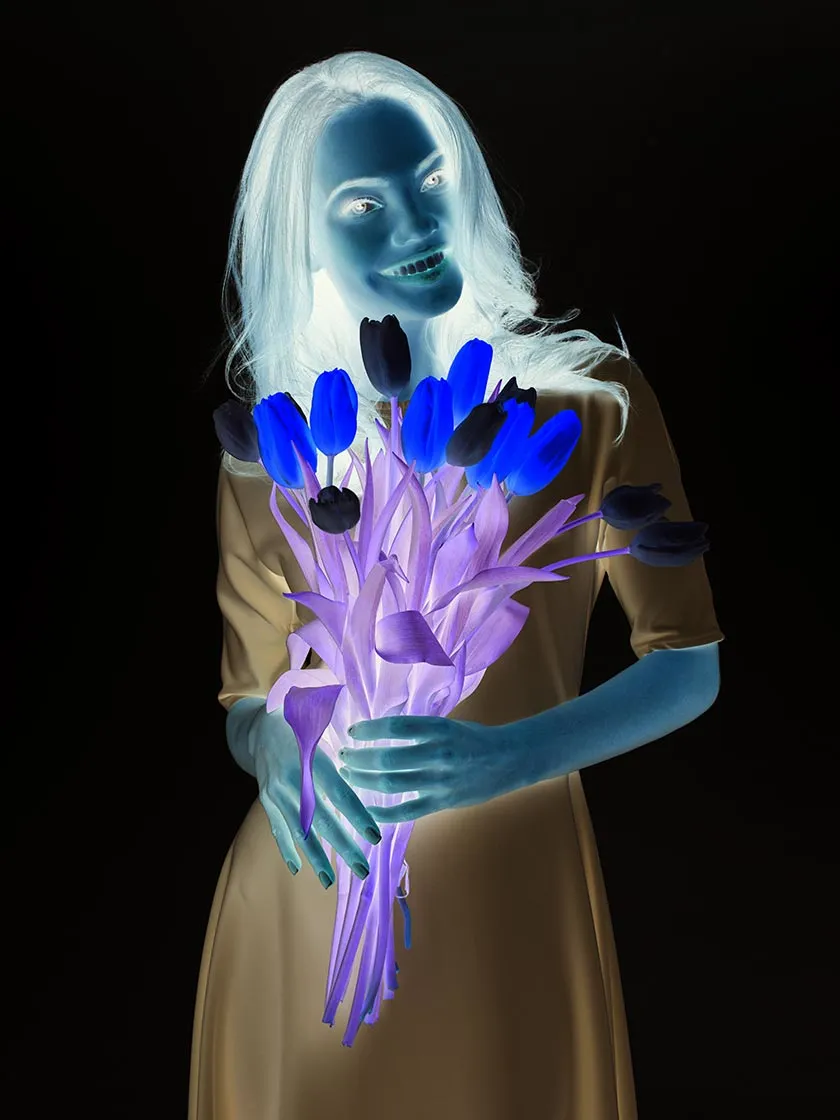
Instantly invert image colors for dark mode, artistic negatives, or creative experiments. Everything is processed locally — fast, private, and free.
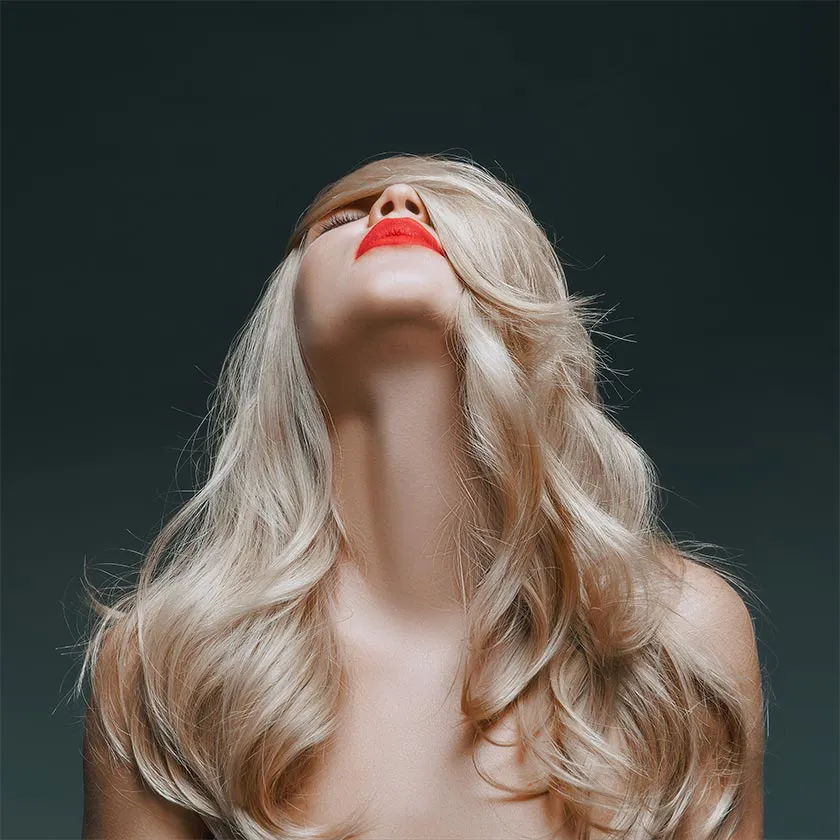
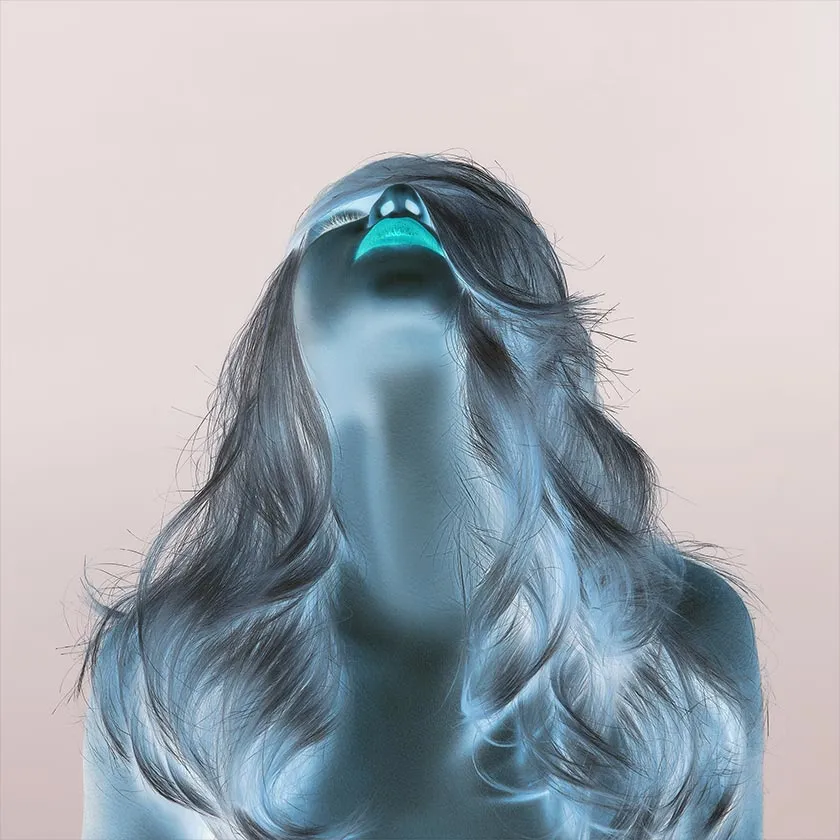
Upload any image to instantly invert its colors. Works locally, no uploads.
Loading HEIC support...
All image color inversion happens in your browser. Files never leave your device, ensuring privacy.
Invert image colors online instantly with one click — fast and efficient.
Use ColorInvert.org to invert images as much as you like, no registration required.
Preserves image details while applying negative or dark mode effects.
Perfect for night viewing, presentations, or creative projects.
Works on any modern browser, desktop or mobile. No installation needed.
Select or drag & drop your image into the tool.
Instantly invert colors with one click.
Save your inverted image in seconds.
See how Color Invert transforms your images. Compare original vs inverted versions.
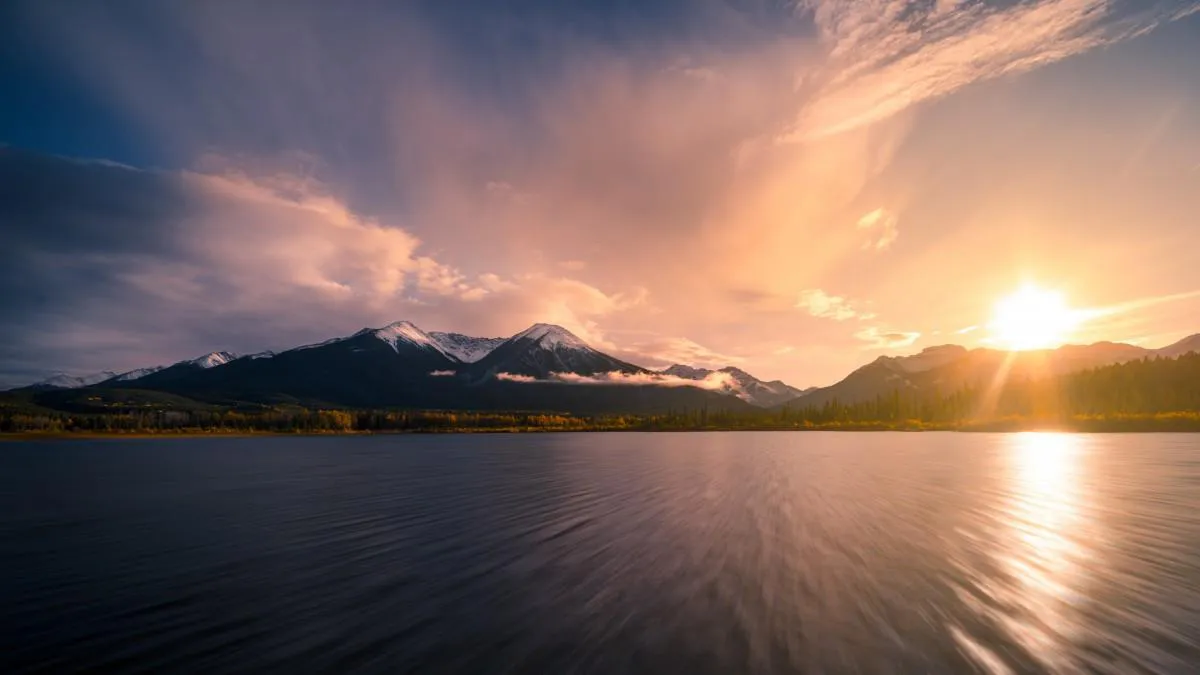
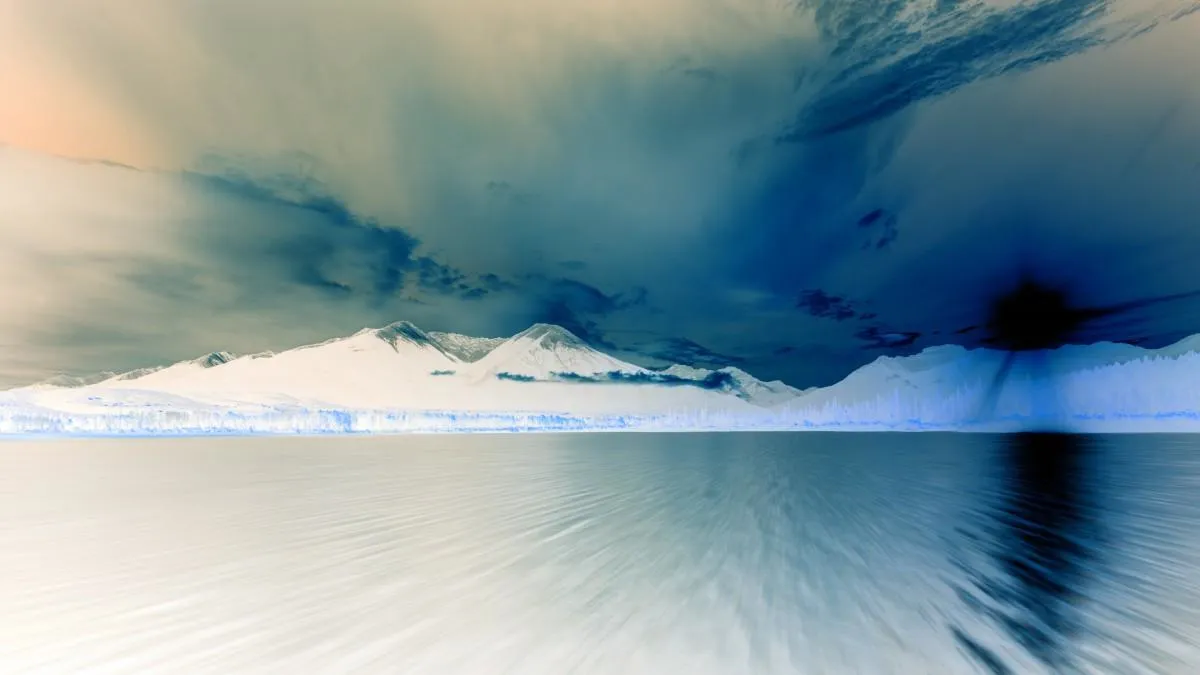

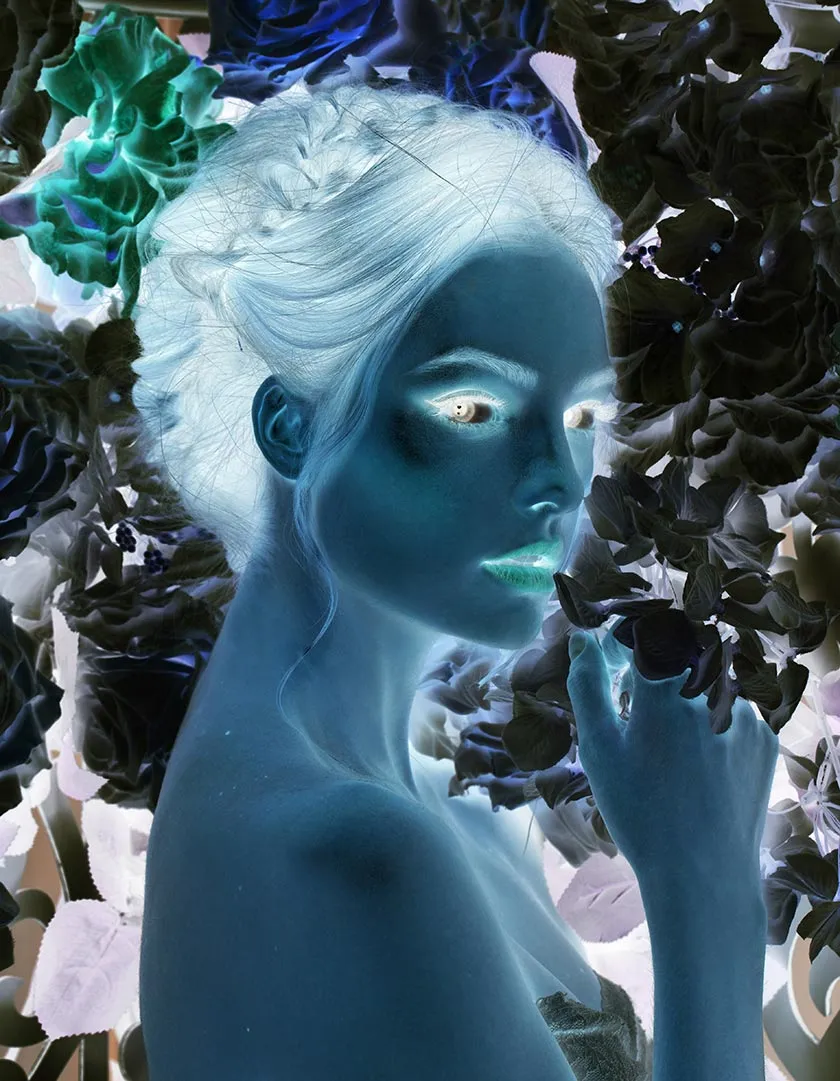
ColorInvert.org has been a game-changer for my dark mode design workflow. No need to recreate assets — just invert and done!
UI Designer
Love using this tool to create artistic negatives. The quality is impressive, and I appreciate that my photos stay private.
Photographer
As someone who works late nights, this tool helps me convert images to dark mode versions in seconds. Simple and effective!
Software Developer
Perfect for creating moody visuals for my social media. The local processing gives me peace of mind about my content.
Content Creator
Free, fast, and easy to use — exactly what I needed for my photography assignment. Highly recommend!
Student
Our team uses this tool daily to create dark mode versions of marketing materials. Saves us so much time!
Marketing Specialist
Color inversion flips every pixel to its opposite color, creating artistic negatives or dark mode-friendly visuals for images.
Yes! Instantly convert any image to dark mode-friendly colors. All processing happens locally for privacy.
No. Everything is processed locally in your browser. Your images remain private and secure.
JPG, PNG, WebP, BMP, GIF, and HEIC (after conversion) are supported, up to 20MB per file.
Yes, the tool is completely free, no registration required, and unlimited usage.
Yes. The inversion process preserves image details while applying the negative or dark mode effect.